June 2026
Audiobook Binder for iPhone: How to Build M4B Audiobooks Without a Mac
Used to desktop tools like Audiobook Binder or Audiobook Builder on macOS? Discover how to build chapterized M4B audiobooks with cover art directly on your iPhone or iPad—no computer required.
For years, Mac users relied on classic desktop utilities like Audiobook Binder, Audiobook Builder, or command-line ffmpeg scripts whenever they needed to turn a folder of MP3s into an .m4b audiobook.
Today, however, most people download and listen to audiobooks entirely on their iPhone or iPad. Booting up a laptop just to join audio tracks is an unnecessary bottleneck when your iPhone's Apple Silicon chip can bind audiobooks locally in seconds.
Why Move Your Audiobook Workflow from Desktop to iOS?
- Zero File Transfers Required: Download audio files in Safari on iOS, bind them in M4Bindr, and open them in your audiobook player without AirDropping or plugging in cables.
- 100% Offline & Private: Unlike sketchy "online MP3 to M4B converter" websites that force you to upload 500MB of audio to a remote server, M4Bindr runs natively on your iPhone's processor with zero internet connection needed.
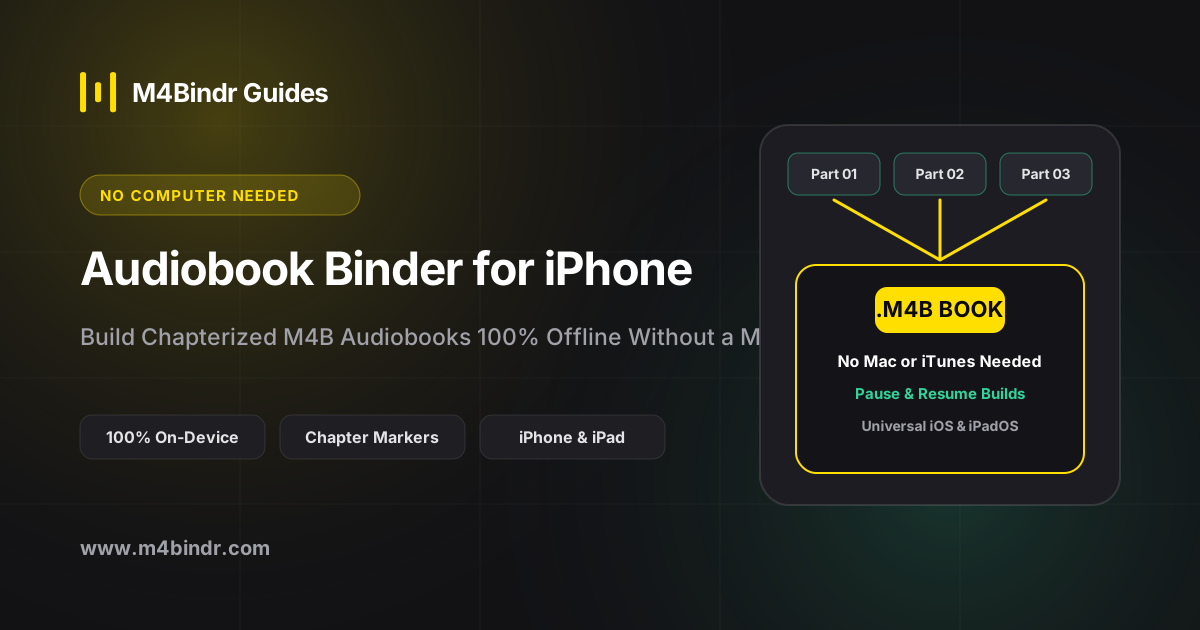
- Pause & Resume Builds: Building a massive 40-hour audiobook? You can pause the conversion anytime and resume right where you left off.
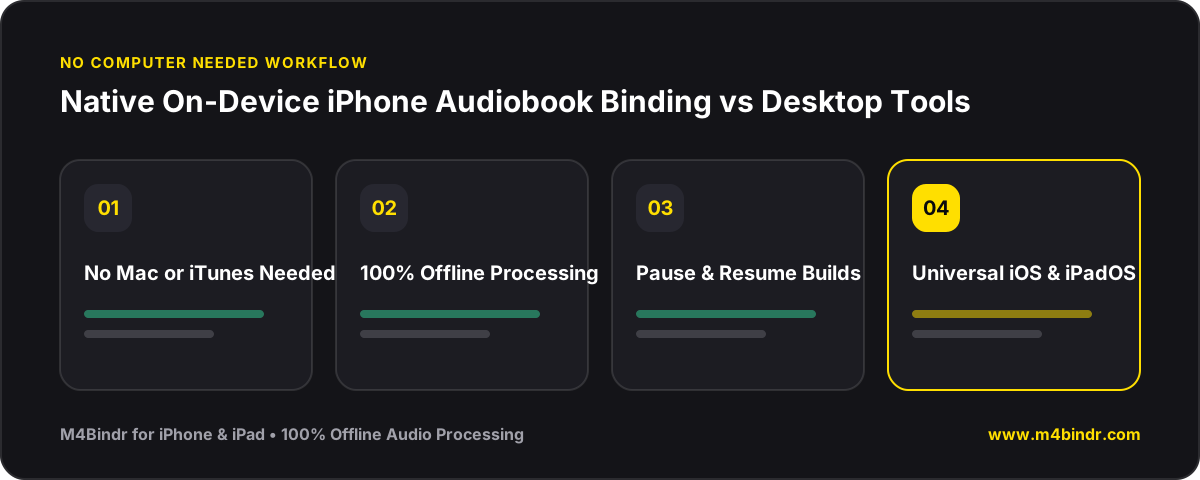
Desktop Features, Native iPhone Simplicity
A true iOS audiobook binder doesn't cut corners on features. With M4Bindr, you get full control over chapter ordering, individual chapter titles, embedded metadata tags (title, author, narrator, genre, year, description, copyright), and high-resolution cover artwork.
Best of all, M4Bindr is free to try (up to 30 minutes and 3 chapters per build) with a simple one-time $5.99 Pro unlock that works across both your iPhone and iPad via Universal Purchase.