June 2026
How to Convert Fanfiction Podfics & TTS Audio into M4B Audiobooks on iOS
Listening to AO3 podfics, web serials, or AI text-to-speech (TTS) audio chapters on your iPhone? Learn how to combine loose chapter MP3s and custom fan art into a polished M4B audiobook.
From volunteer-narrated AO3 podfics and Royal Road web serials to chapter-by-chapter audio generated with modern Text-to-Speech (TTS) tools, long-form indie stories are thriving. Yet almost all of these works are shared as individual MP3 or M4A chapter downloads.
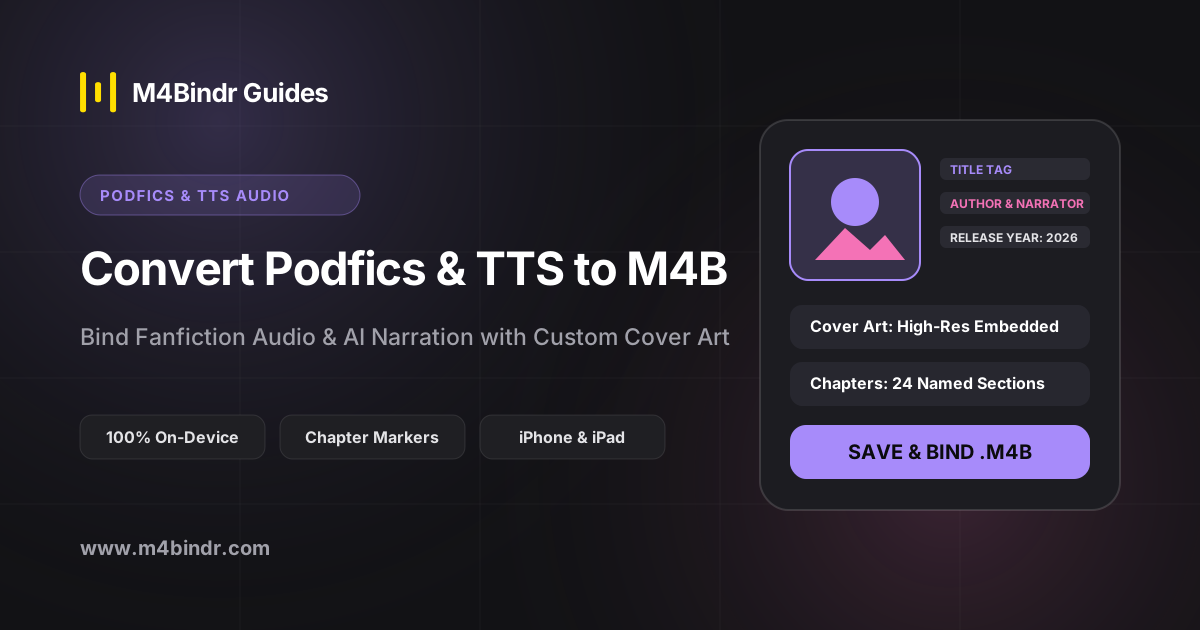
With an on-device iOS audiobook binder, you can package multi-chapter podfics and TTS exports into a real .m4b audiobook—complete with custom fan art covers, narrator credits, and chapter navigation.
Why Podfic & Web Serial Listeners Love the M4B Format
Epic fanfics and web novels regularly exceed 200,000 words across 30+ audio chapters. Playing raw MP3 links in a mobile browser or the iOS Files app means losing your place every time the page reloads.
When you bind those chapters into a single M4B container using M4Bindr, your favorite podfic sits right alongside published novels in Apple Books or BookPlayer with full bookmark memory.
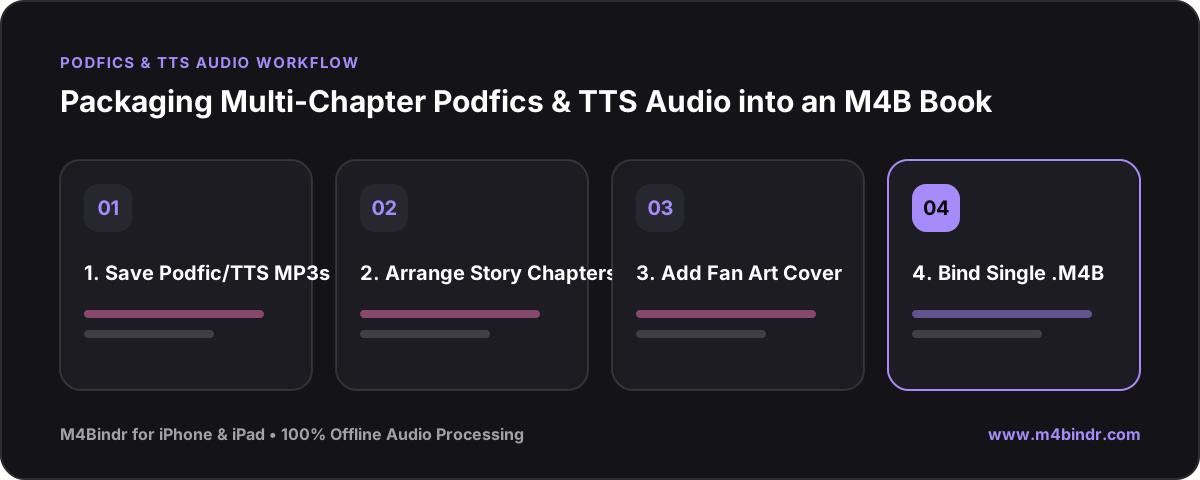
Step-by-Step: Building a Podfic or TTS Audiobook on iPhone
- Download the Chapter Audio: Save the podfic MP3s or exported TTS audio chapters into a folder in your iPhone's Files app.
- Import & Order Chapters in M4Bindr: Open M4Bindr, tap Add Audio Files, and select all chapters. Rename each track to match the story's chapter titles.
- Add Author, Podficcer & Cover Art: Tap Add Metadata to credit both the original author and the podfic narrator, and upload custom cover art from your Photos library.
- Tap Bind: In moments, your multi-chapter story is bound offline into a single, permanent
.m4baudiobook!