May 2026
How to Merge Multiple M4B Files into One Audiobook (While Keeping Chapters)
Have a long audiobook split into Part 1.m4b and Part 2.m4b? Learn how to combine multiple M4B files into a single audiobook on your iPhone without losing existing chapter markers.
Long unabridged audiobooks—especially 30-to-50-hour fantasy novels, biographies, and full-cast productions—are frequently distributed as Part 1.m4b, Part 2.m4b, and Part 3.m4b. While each part is already an M4B file, having a single book split across multiple volumes clutters your shelf and interrupts your listening flow.
Most basic audio joiners treat existing M4B files like flat audio streams, wiping out all the internal chapters inside each part. Here is how to merge multiple M4B files on your iPhone while keeping every original chapter intact.
Why Combining Existing M4B Files Is Tricky
Unlike a standard MP3-to-M4B conversion where one file equals one chapter, an existing .m4b file already contains its own internal chapter table (often 20 or 30 chapters per part).
If you use a generic audio merger, you end up with a 40-hour file that only has two giant chapters: "Part 1" and "Part 2." To merge multi-part M4B audiobooks properly, the binder must read the embedded chapter atoms from each source file and recalculate their timestamps sequentially in the final container.
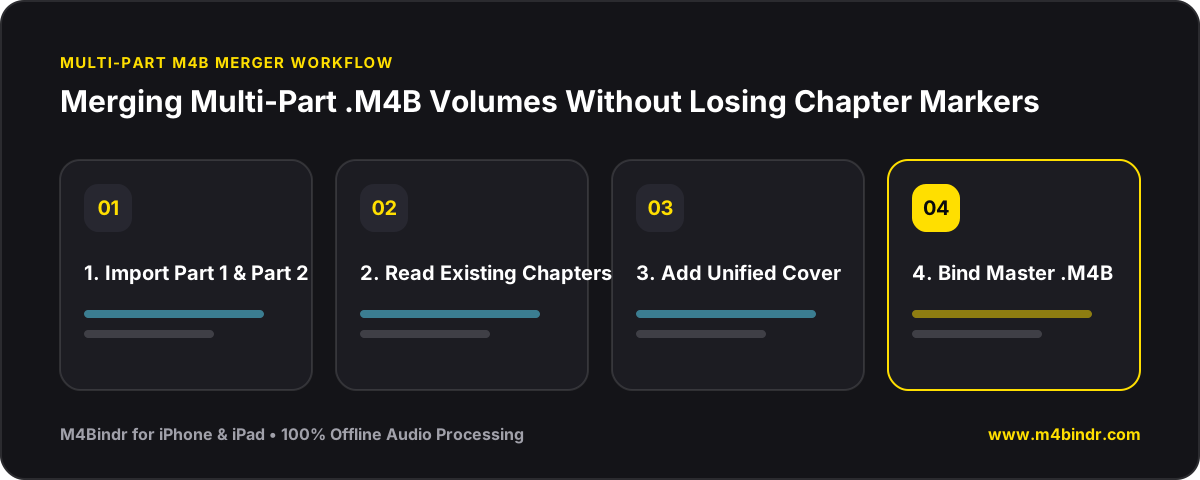
How M4Bindr Preserves Chapters When Merging M4B Files
M4Bindr was engineered specifically to support .m4b as both an input and an output format. When you import multiple M4B files—or even mix M4B files with MP3 and M4A bonus chapters—their original chapters are preserved automatically.
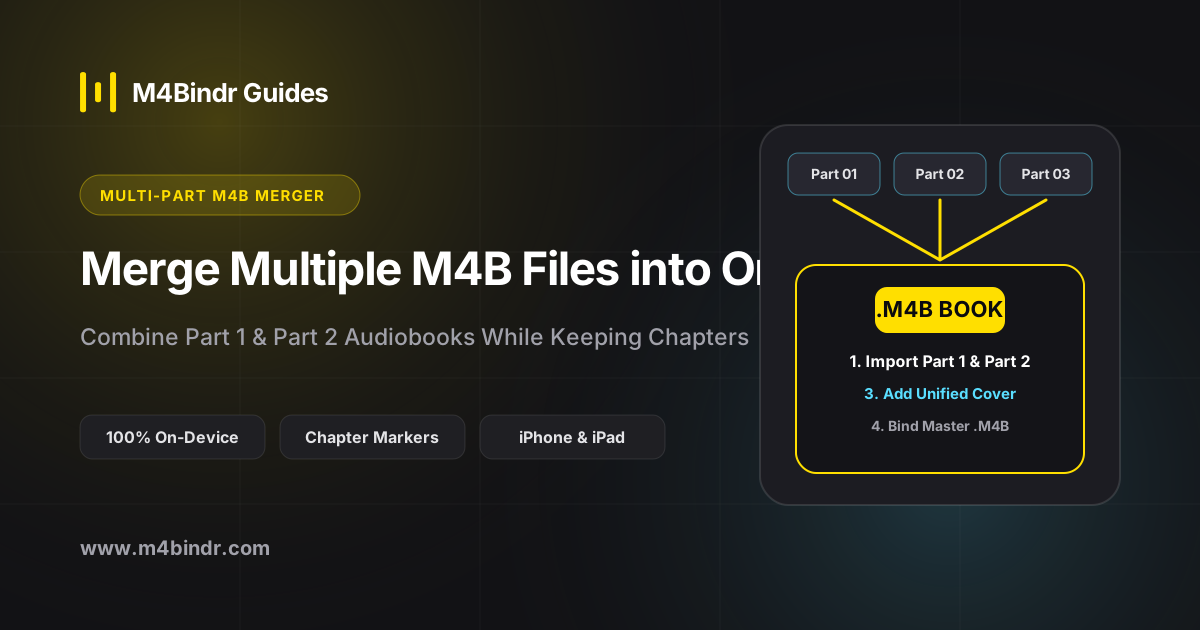
- Select All M4B Parts: Open M4Bindr on your iPhone or iPad, tap Add Audio Files, and pick Book_Part_1.m4b, Book_Part_2.m4b, and any additional volumes.
- Confirm the Volume Sequence: Ensure Part 1 is at the top of the list followed by Part 2 and Part 3. M4Bindr reads the embedded chapter markers inside each part.
- Set Master Metadata & Cover: Open the metadata sheet to give the unified edition its clean title (without "Part 1 of 2"), author, narrator, and high-res cover art.
- Bind Offline: Tap Bind. M4Bindr stitches the audio and merges the chapter tables into a single, seamless M4B file.