May 2026
How to Make Your iPhone Remember Playback Position in Long MP3 Files
Frustrated when your iPhone resets a 10-hour MP3 audiobook or mix back to 0:00? Learn why iOS forgets MP3 timestamps and how to enable permanent auto-bookmarking by converting to M4B.
Imagine being four hours deep into a six-hour MP3 recording—whether an audiobook, a long-form interview, or a commentary track—only to pause for a phone call, reopen your player, and see the scrubber sitting back at 00:00.
Scrubbing through a tiny timeline bar on an iPhone screen to find the exact minute you left off is maddening. Here is why iOS forgets your spot in MP3 files and the fastest way to enable rock-solid playback memory.
Why iPhone Resets MP3 Playback to 0:00
By design, iOS treats .mp3 files as three-minute music songs rather than long-form spoken word. When you play an MP3 inside the Apple Files Quick Look preview or a standard music player, iOS does not write persistent resume timestamps when the app is closed or purged from background memory.
In the old days of iTunes on desktop, you had to right-click an MP3, open Get Info → Options, and manually check "Remember playback position." On an iPhone or iPad, Apple provides no such checkbox for MP3 files.
The Solution: Convert Long MP3s to the M4B Audiobook Format
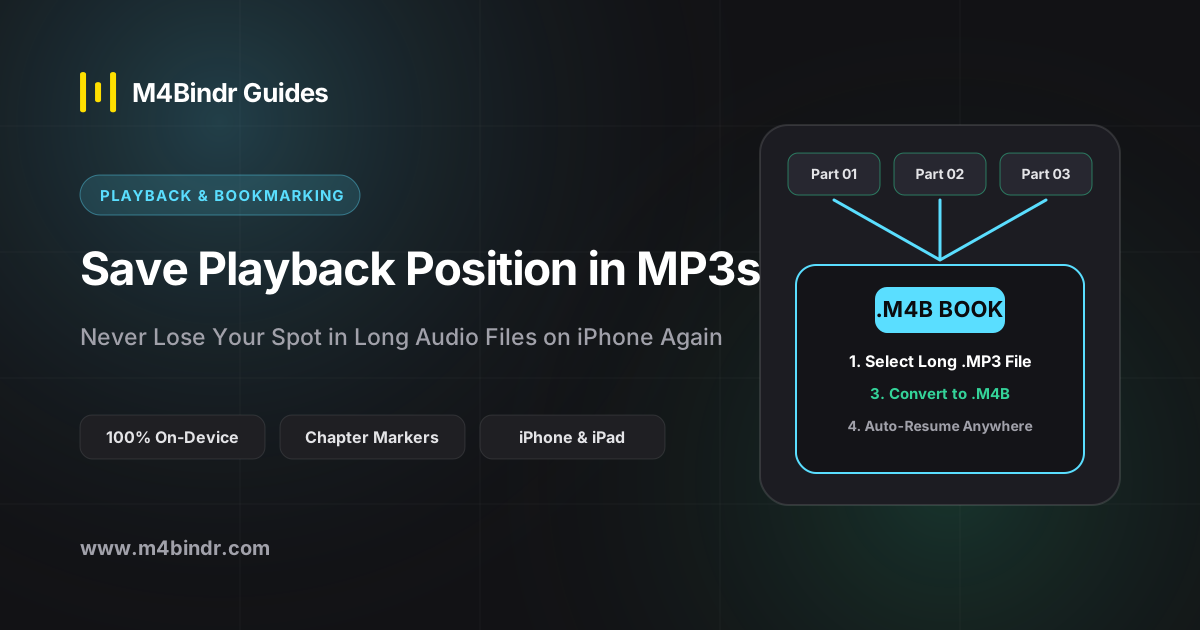
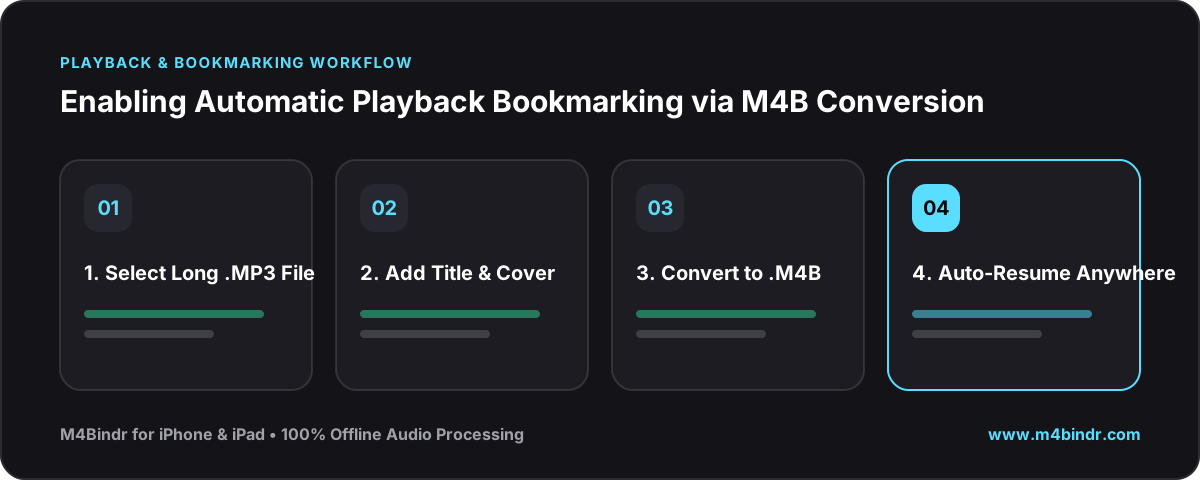
Unlike MP3, the .m4b format (MPEG-4 Audiobook) explicitly instructs iOS and audiobook players that the file is a bookmarkable book. Every time you pause, lock your screen, or restart your iPhone, your exact timestamp down to the second is saved automatically.
✓Turn Any Long MP3 into a Bookmarkable M4B on iOS
- Import the MP3 into M4Bindr: Open M4Bindr on your iPhone and select your single long MP3 file (or multiple MP3 chapters) from the Files app.
- Add Title & Artwork: Give the recording a clear title and optional cover image so it is easy to spot on your shelf.
- Tap Bind: M4Bindr converts the audio offline into a native
.m4baudiobook container that never loses your playback position.
Bonus Benefits Beyond Bookmarking
Once your recording is in M4B format, you also unlock audiobook-specific perks in players like Apple Books and BookPlayer: 15-second skip buttons instead of track-skip buttons (so an accidental tap on your AirPods never jumps you to the beginning of a 5-hour file), sleep timers, and fine-grained playback speed controls.