June 2026
M4A vs M4B: What’s the Difference and How to Convert M4A to M4B on iOS
Both M4A and M4B use AAC audio inside an MPEG-4 container—so why do audiobook players treat them so differently? Learn the technical differences and how to convert M4A to M4B on iPhone.
If you have already read our breakdown of M4B vs MP3 for audiobooks, you might wonder where .m4a fits into the picture. After all, Apple Voice Memos, iTunes music downloads, and many podcast tools export audio as M4A.
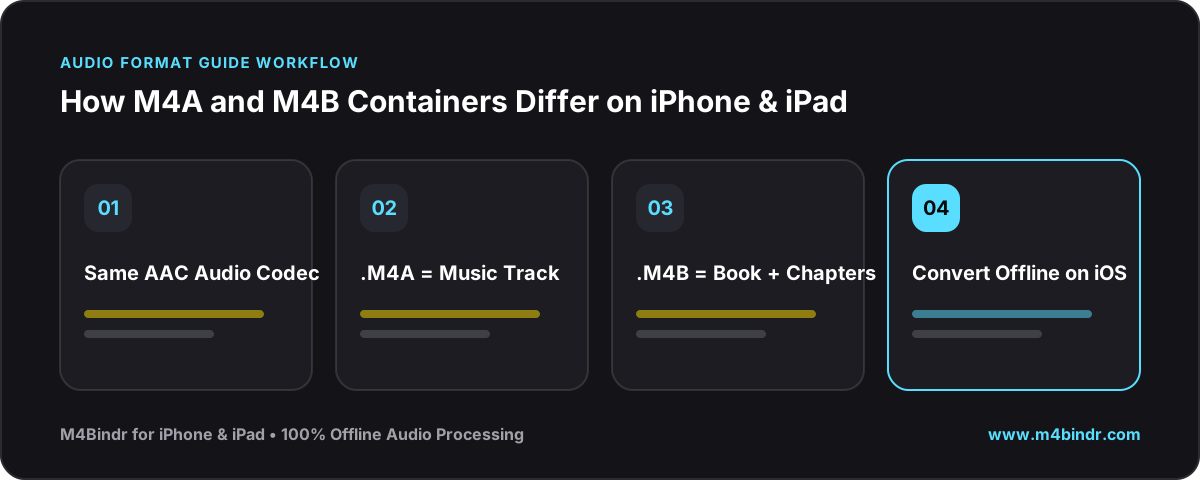
Under the hood, M4A and M4B are closely related siblings—both wrap AAC audio inside an MPEG-4 Part 14 container. Yet on an iPhone, that single letter at the end changes everything about how your audio plays.
How M4A and M4B Are Similar
Both formats use the exact same high-efficiency AAC (Advanced Audio Coding) compression, delivering crisp voice and music reproduction at smaller file sizes than MP3. Both also support standard metadata tags like title, artist, and album artwork.
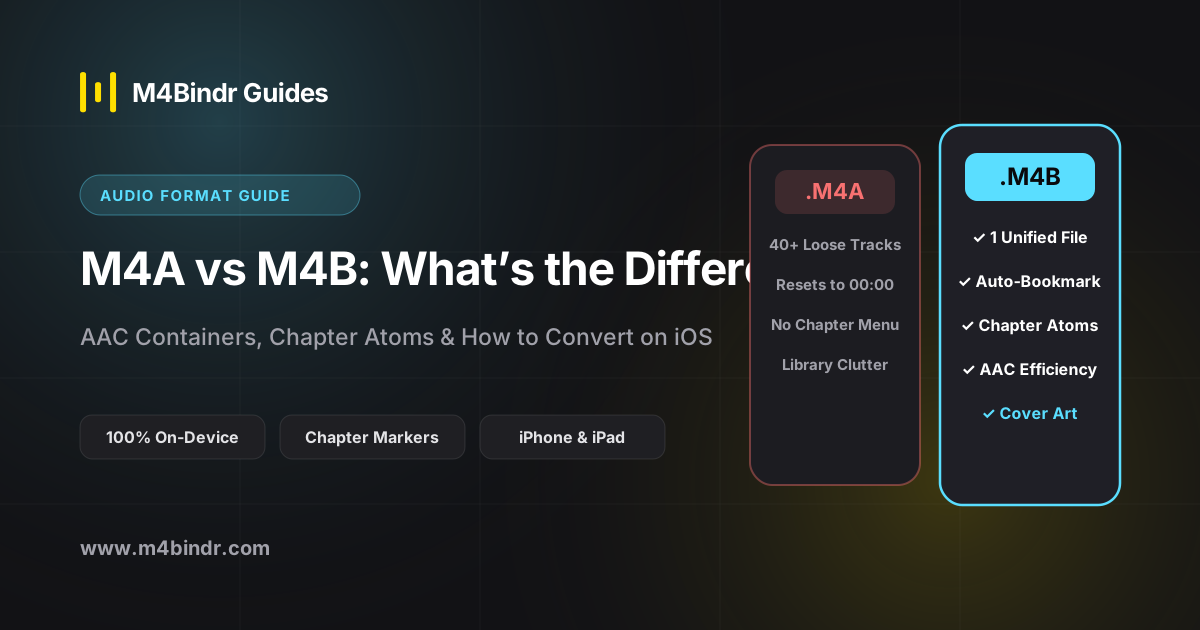
The Crucial Differences: Why M4B Wins for Spoken Word
- Automatic Bookmarking: iOS and macOS recognize the
.m4bextension as an audiobook and automatically save your playback position. An.m4afile is treated as a music track or voice clip that starts from 0:00. - Multi-File Chapter Merging: When you have 25 separate
.m4afiles, simply renaming the file extension to.m4bstill leaves you with 25 separate files. True M4B binding combines all tracks into one file with embedded QuickTime/Nero chapter atoms. - App Routing on iOS: Apple routes M4A files to Apple Music and M4B files to Apple Books and dedicated audiobook players, keeping spoken-word books out of your music shuffle.
How to Convert M4A to M4B on Your iPhone
With M4Bindr, you can select one or dozens of .m4a files directly from the iPhone Files app, arrange them as named chapters, attach cover art and author metadata, and bind them into a single native .m4b audiobook in moments—completely offline.