June 2026
How to Organize Language Learning Audio Tracks (Pimsleur, Assimil & Glossika) on iPhone
Studying a language with Assimil, Pimsleur, Michel Thomas, or textbook MP3 downloads? Learn how to combine 100+ short dialogue tracks into a chaptered M4B language course on your iPhone.
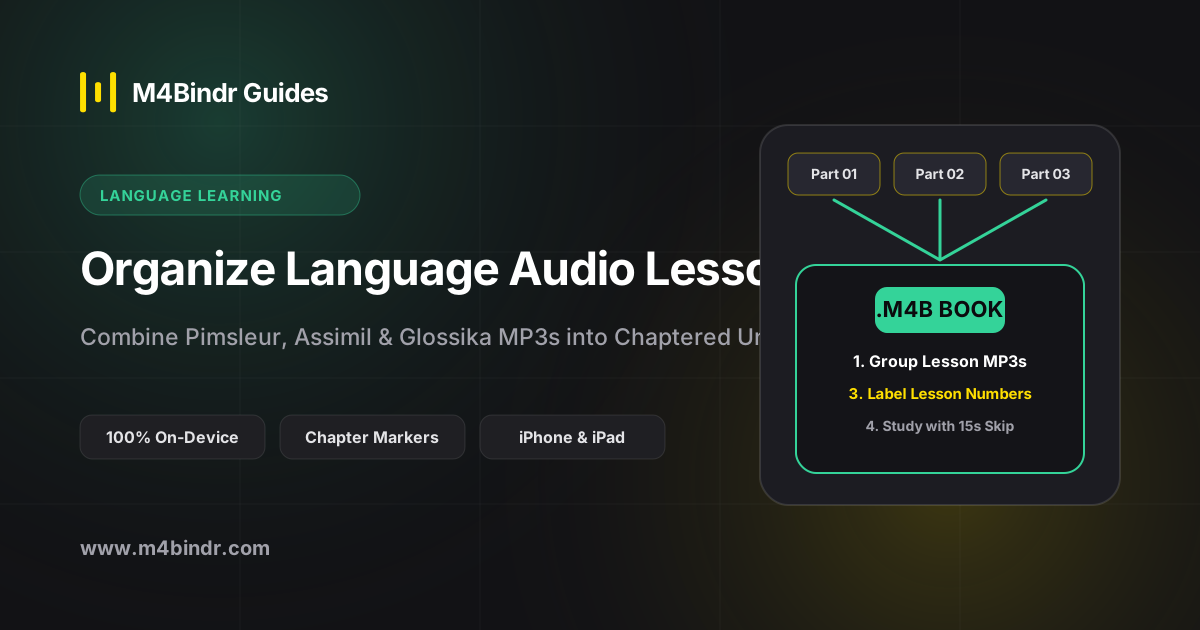
Anyone learning Spanish, French, Japanese, or German with classic audio courses like Assimil, Michel Thomas, Pimsleur, FSI / DLI, or textbook companion downloads knows the file-management headache: a single course can contain anywhere from 60 to 300 tiny MP3 tracks.
Importing 200 two-minute dialogue tracks into a music app ruins your playlists and makes daily lesson tracking impossible. Converting each module into a chapterized M4B audiobook transforms how you study on your iPhone.
Why M4B Is Ideal for Language Audio Courses
- Every Lesson Is a Named Chapter: Instead of scrolling through hundreds of loose files, open one book (e.g., Assimil French: Lessons 1–50) and jump straight to Lesson 24 from the chapter menu.
- Instant 15-Second Repeat: Audiobook players give you dedicated 10- or 15-second rewind buttons to replay tricky native pronunciation drills effortlessly.
- Speed Control (0.75x – 1.5x): Slow down fast native dialogues to 0.8x when shadowing, or speed up review units you have already mastered.
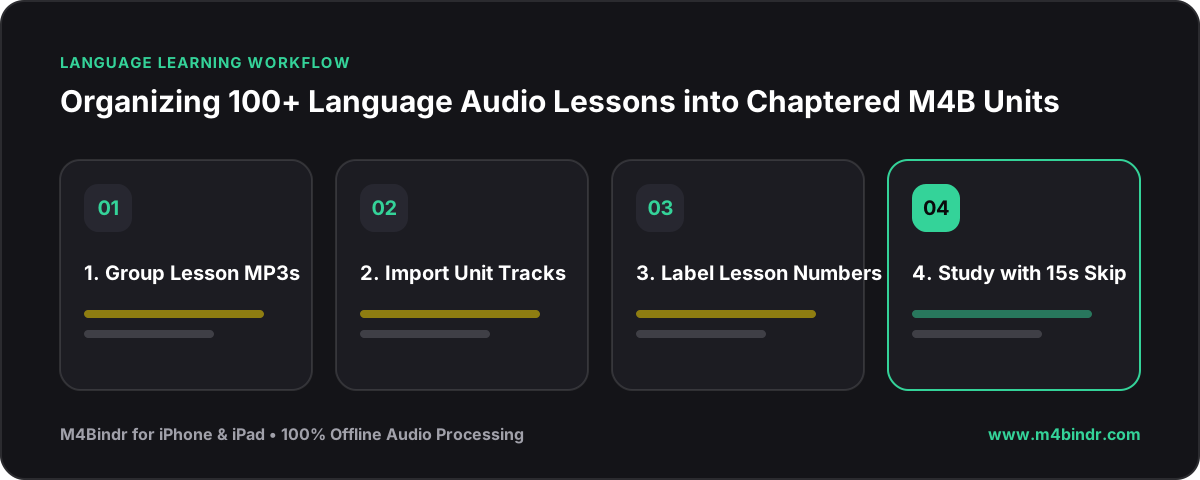
✓How to Bind Your Language Course on iOS
- Group Tracks by Unit or Level: For courses with 100+ tracks, grouping them into volumes of 25–30 lessons keeps chapter navigation snappy.
- Import into M4Bindr: Open M4Bindr on your iPhone and select the lesson MP3 or M4A files for Unit 1.
- Rename Chapters & Add Textbook Cover: Label the chapters clearly (e.g., Lesson 01 – Greetings) and attach the course cover art before tapping Bind.