May 2026
How to Play Humble Bundle, Libro.fm & Downpour MP3 Audiobooks on iPhone
Bought DRM-free audiobooks from Humble Bundle, Libro.fm, Downpour, or Bandcamp? Learn how to unzip the MP3 folders on your iPhone and bind them into a single chapterized M4B audiobook.
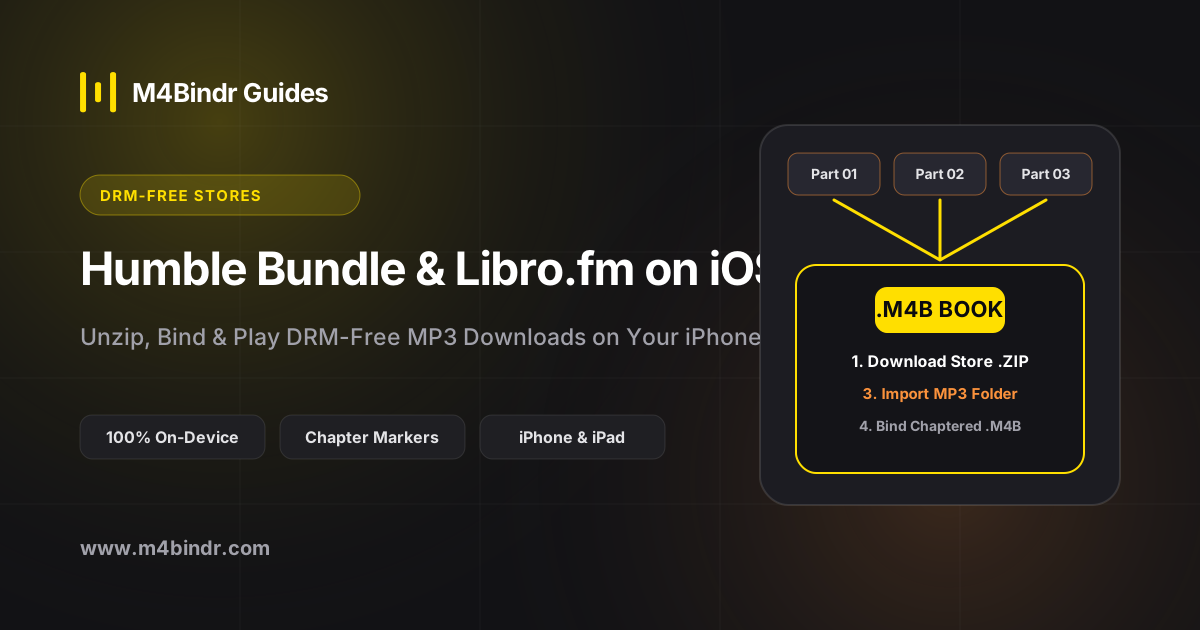
Buying DRM-free audiobooks from platforms like Humble Bundle, Libro.fm, Downpour, GraphicAudio, or Kickstarter author campaigns is the best way to truly own your books and support creators.
However, when you tap the direct download link on your iPhone, you are almost always handed a .zip archive filled with dozens of loose MP3 tracks. Here is the fastest on-device workflow to turn those store downloads into a sleek, single-file M4B audiobook.
Step 1: Download & Unzip in the iPhone Files App
Whether you are downloading a 20-book sci-fi Humble Bundle or exporting your DRM-free backup from Libro.fm's website in Safari:
- Tap the Download MP3 (ZIP) button in Safari and confirm the download.
- Open the native Files app on your iPhone and go to your Downloads folder.
- Tap the
.ziparchive once. iOS will immediately extract it into a clean folder containing all the chapter MP3s (and often acover.jpgimage).
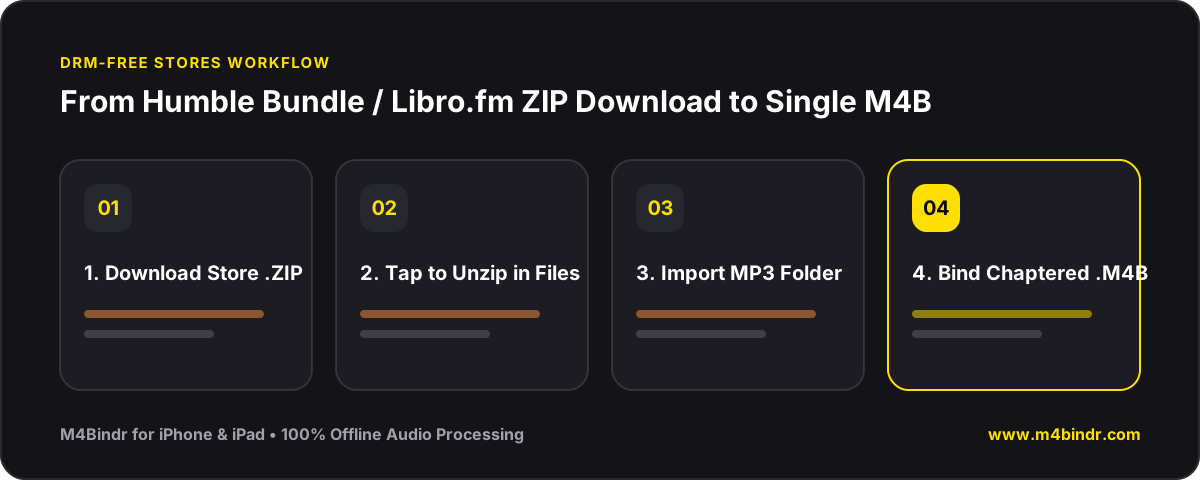
Step 2: Bind the Extracted MP3 Folder with M4Bindr
Instead of leaving 45 separate MP3 files scattered in your Downloads folder, use M4Bindr to package the entire book into a single .m4b file:
- Tap Add Audio Files in M4Bindr, open the unzipped book folder, and select all the MP3 tracks at once.
- Each MP3 track automatically becomes a named chapter in your new audiobook.
- Tap Add Metadata, enter the book's title and author, and select the included cover art.
- Tap Bind to generate your finished M4B audiobook 100% offline.
.zip file and the unzipped MP3 folder from your iPhone Downloads to free up gigabytes of space!